
 Pin it
Old celebrity photos can be fun to solve, especially when the person looks very different before fame. The safest way to identify a young Hollywood actor is to treat the image like a small research project, not a guessing game. These steps show how to check the photo, compare clues, and verify the result with reliable sources.
Save the image and write down the claim
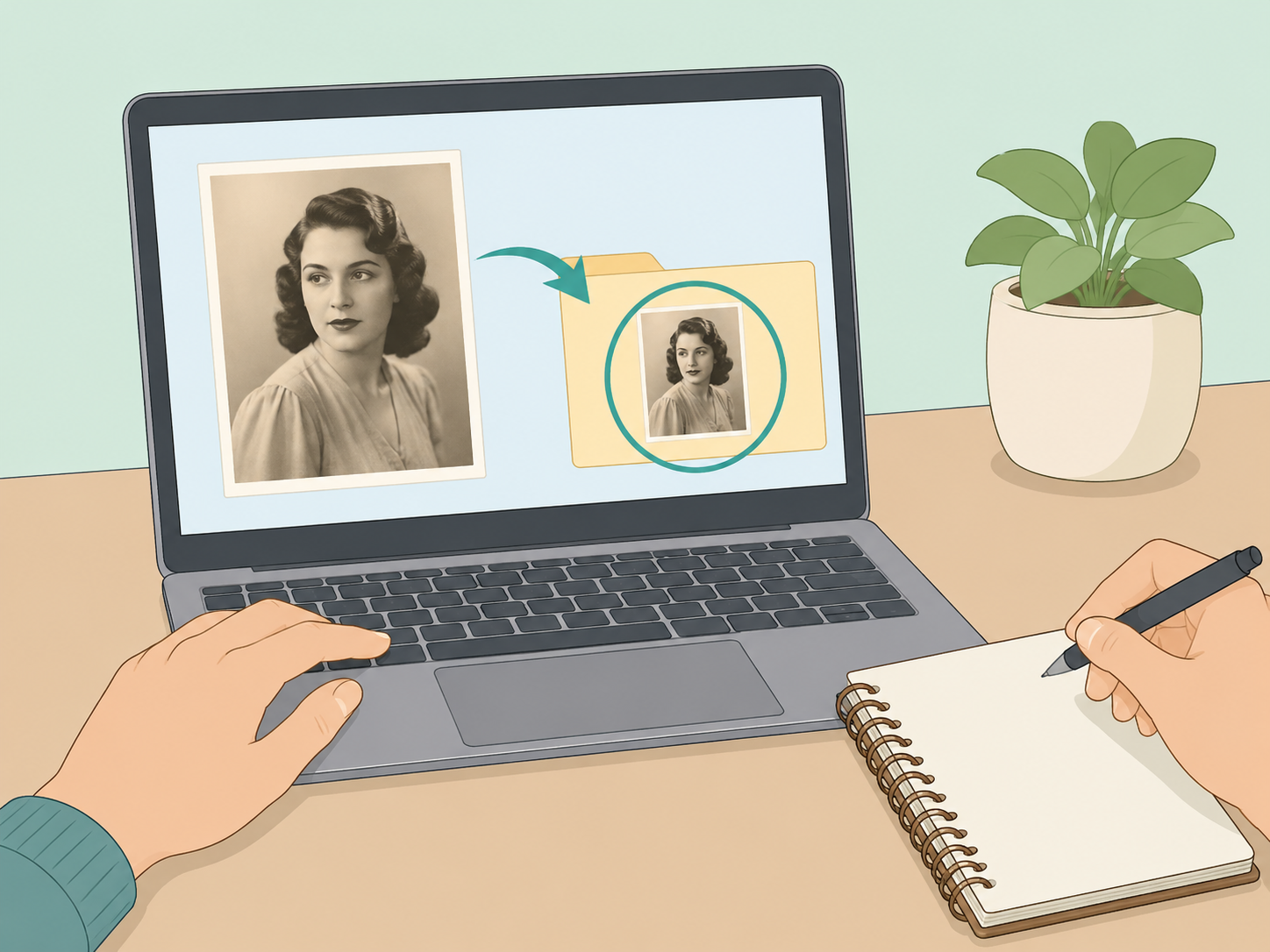
Before searching, save the photo or copy its URL, then write down exactly what the post claims: the name, age, year, location, or movie connection. The National Archives photo analysis guide starts with simple questions like what you see, whether there is a caption, and what the caption says. Keeping the original claim separate from your own observations helps you avoid forcing the evidence to fit a famous name.
Check the caption, file name, and surrounding page
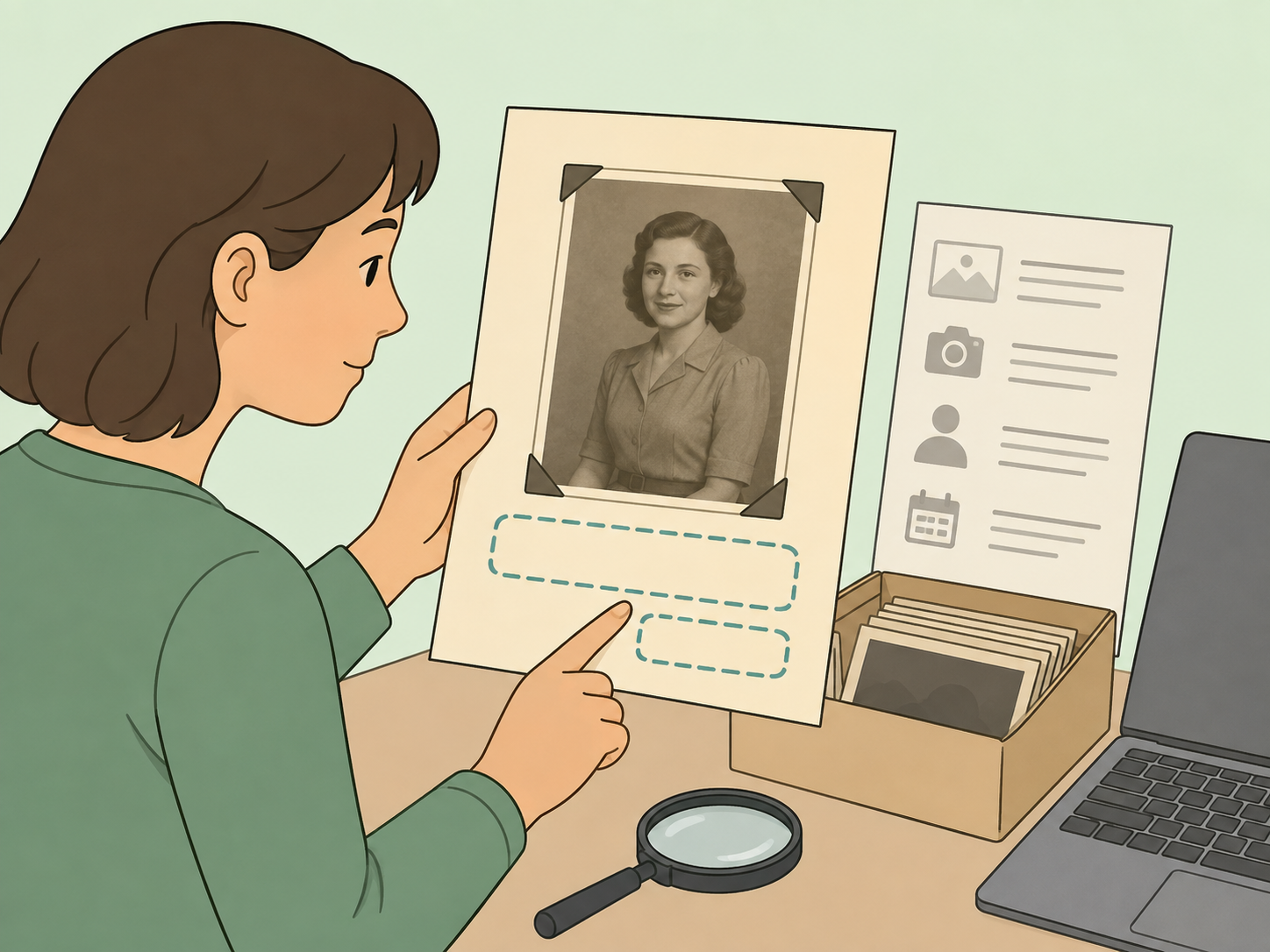
Look for the obvious evidence first: a caption, credit line, upload date, file name, gallery title, or comments from the original poster. For photo records, the National Archives says useful caption information often covers who, what, when, where, and why. If the photo appears in an article or gallery, read the full context before deciding the face matches a particular actor.
List the visible clues without naming anyone yet
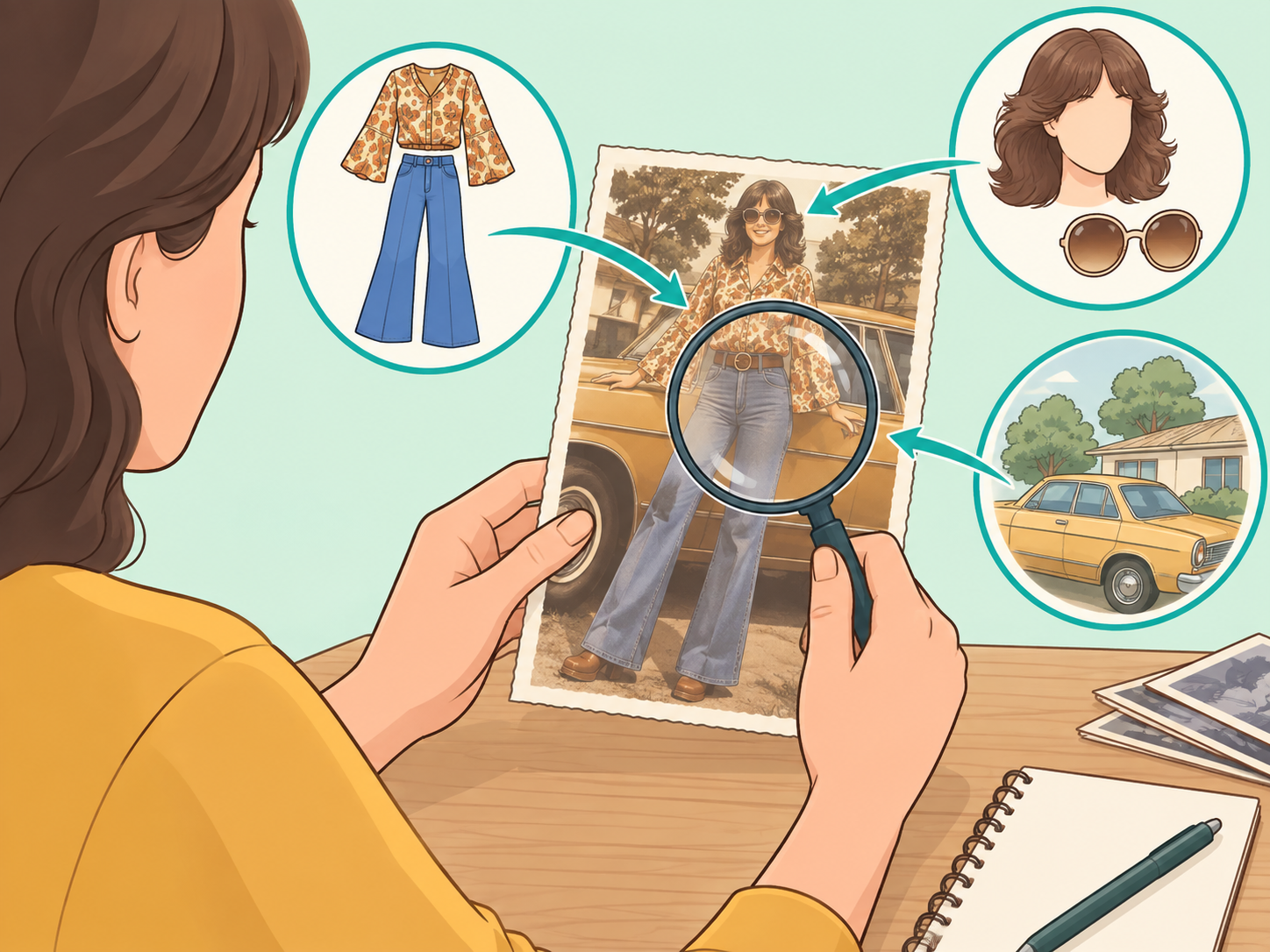
Describe what you can actually see: approximate age, hairstyle, clothing, background, props, event type, and whether the image looks like a school portrait, headshot, family snapshot, or film still. The National Archives recommends observing people, objects, actions, and setting before making sense of a photograph. This keeps your search grounded in evidence instead of resemblance alone.
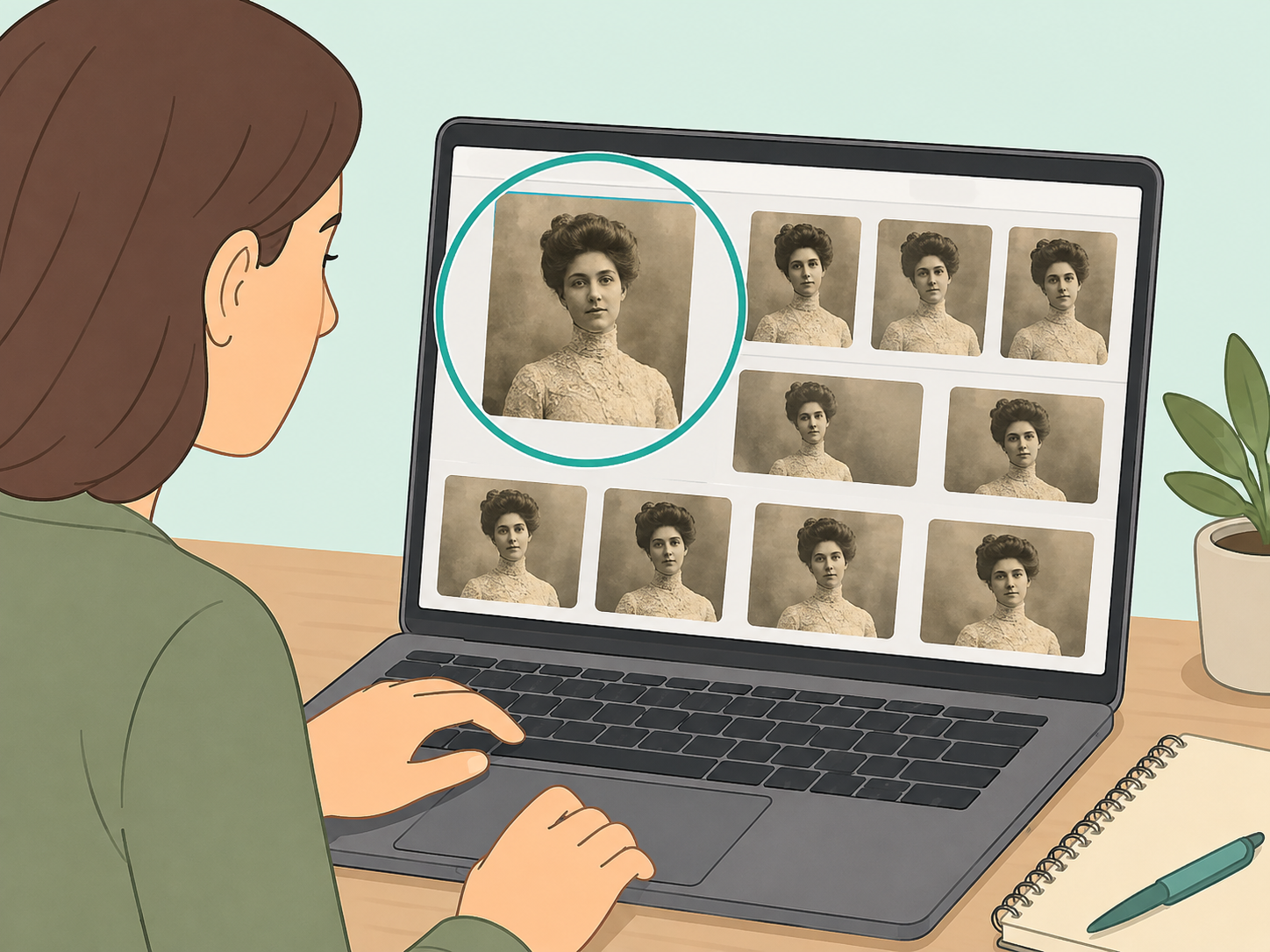
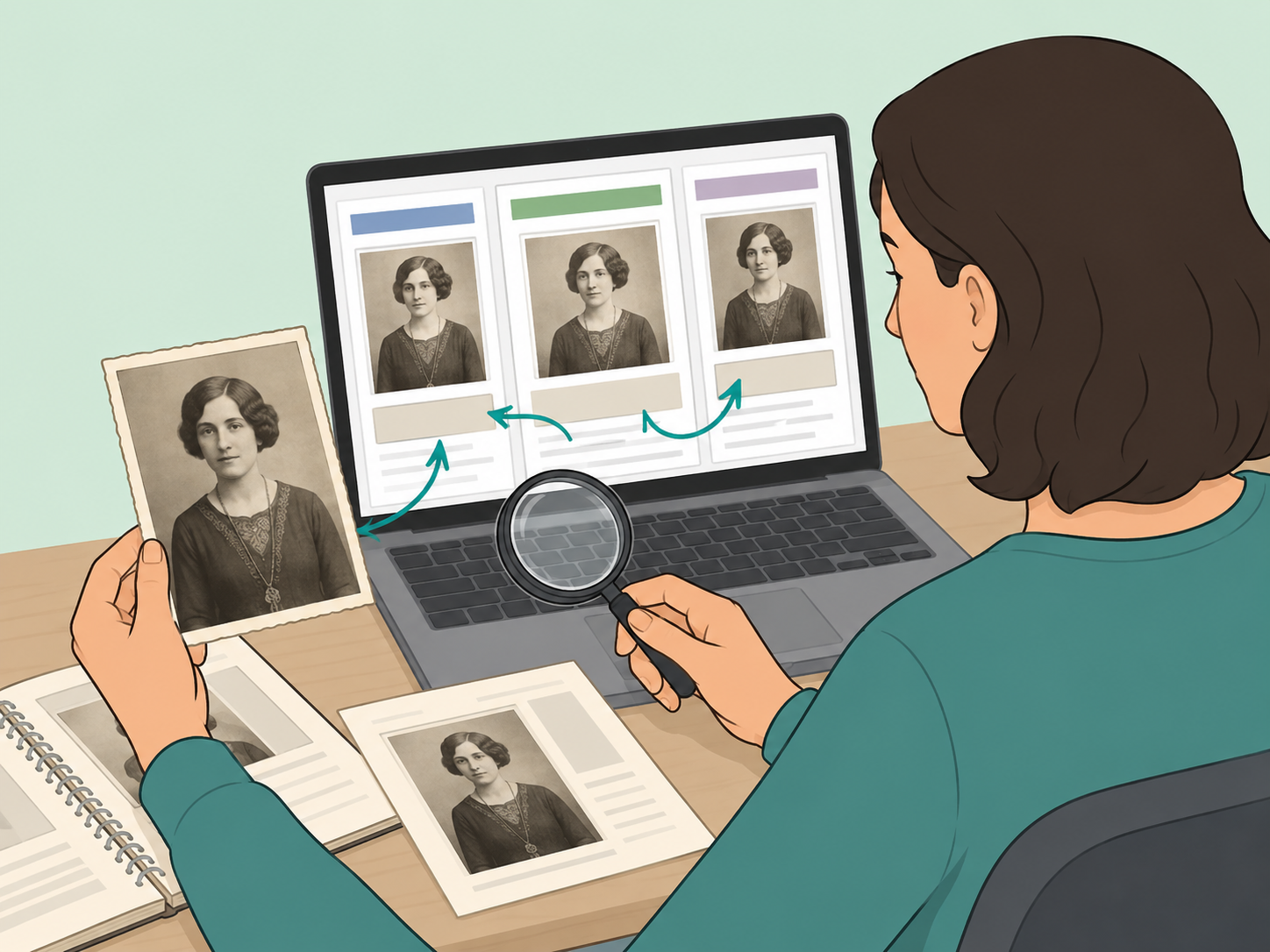
Run a reverse image search
Upload the photo or paste its URL into a reverse image search tool to find other pages that use the same or similar image. Google News Initiative describes reverse image search as a quick verification step because it can reveal where an image has appeared and whether it has been reused with different claims. Open several matching results, especially older pages and pages that include a source credit.
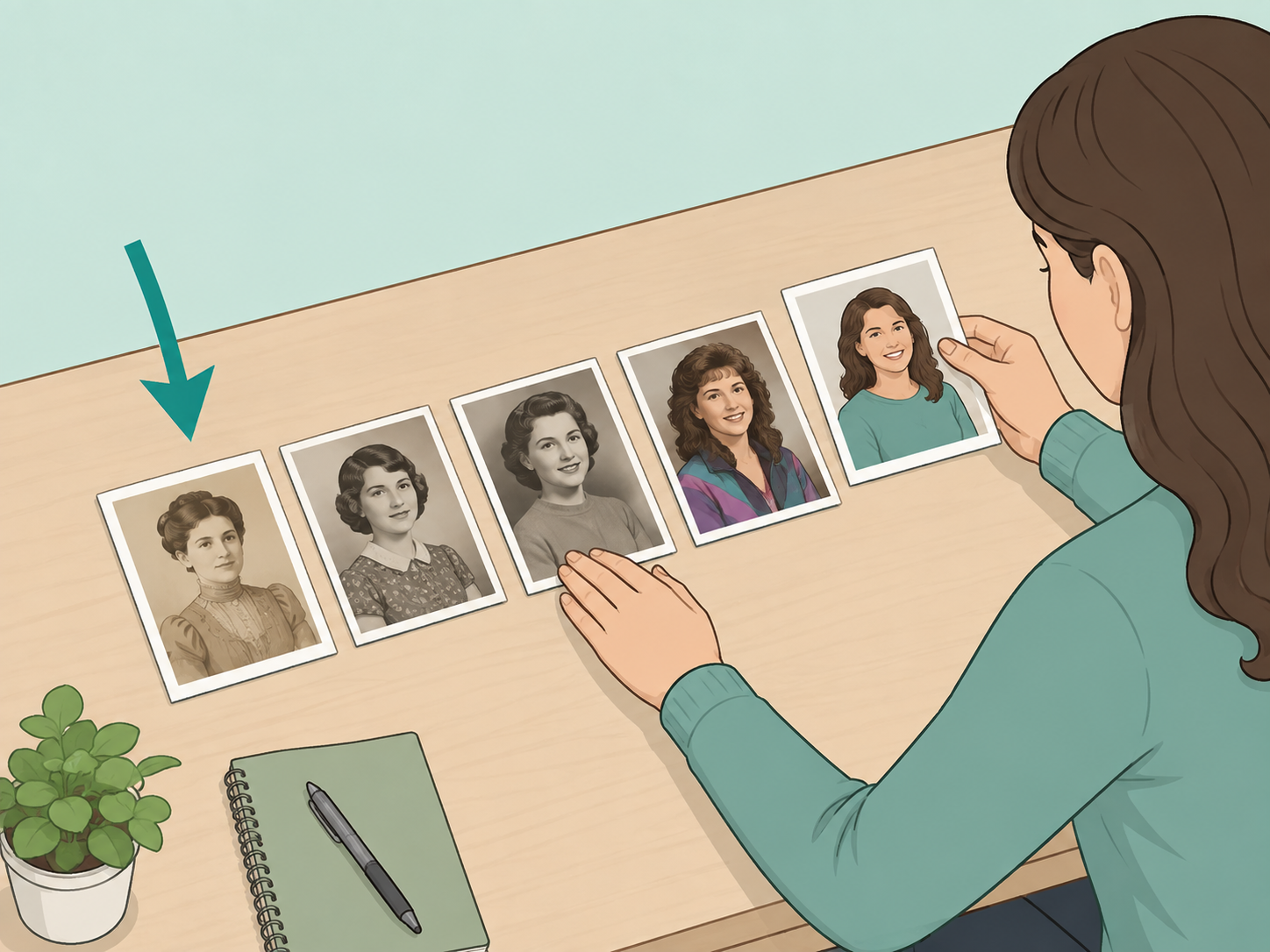
Sort results by date to find the earliest use
After the reverse search, use date filters and older result pages to trace the image backward. Google News Initiative advises using time filters and continuing to refine results until you find the earliest appearance of the photo. The first viral post is not always the original source, and an early caption can be much more reliable than a later repost.

Search reliable archives and official sources
Search the actor's name plus clues from the image, such as a school, city, year, early television role, modeling job, or film title. Library and archive catalogs can require flexible wording, and the Library of Congress search tips recommend trying fewer words, alternate spellings, and exact number searches when available. Give more weight to official biographies, studio archives, library records, museum records, and reputable publications than to unsourced social posts.
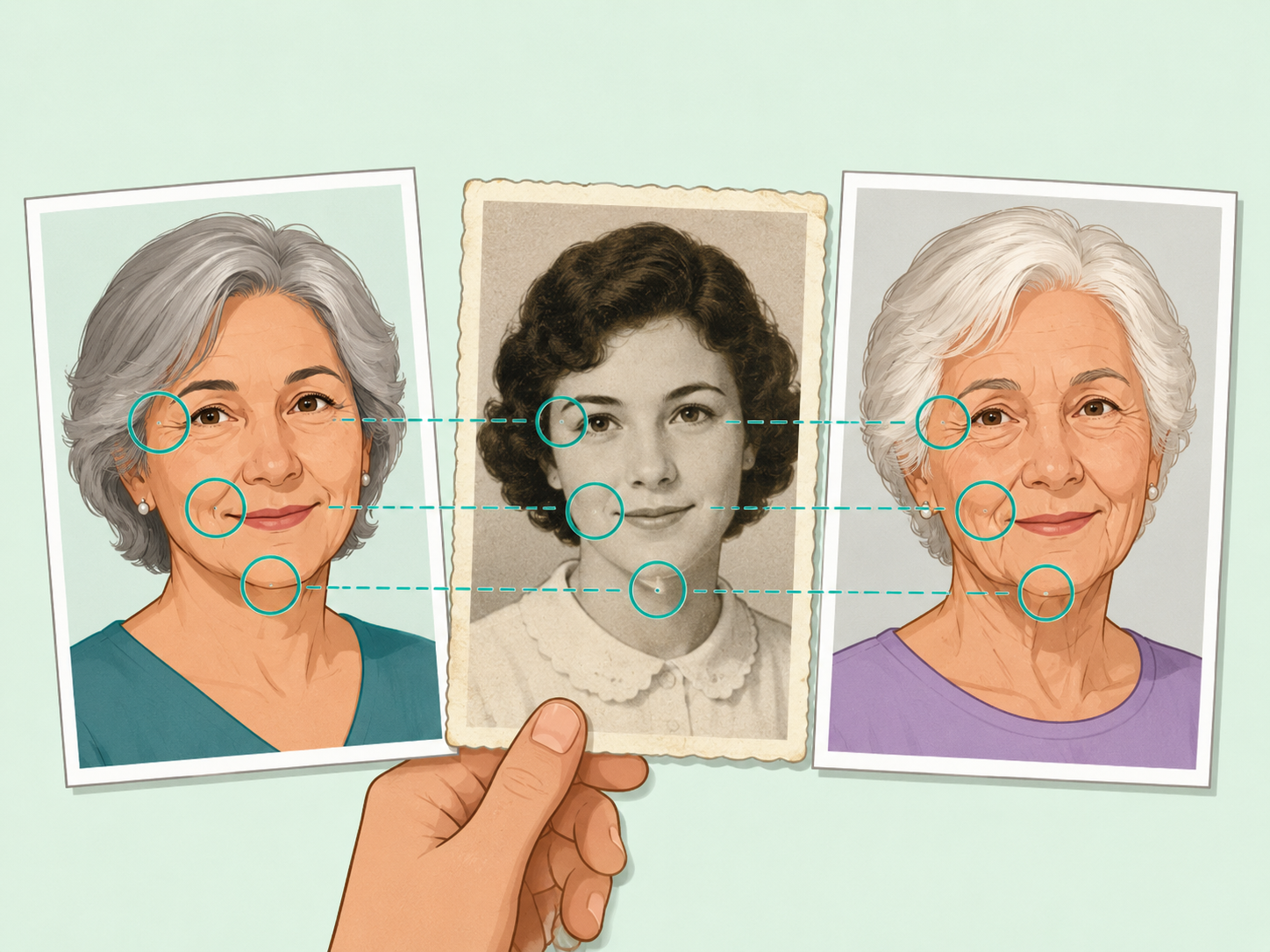
Compare the photo with dated images from the same period
Once you have a likely name, compare the throwback with confirmed images from the same age range rather than with current photos. Focus on stable features like face shape, ears, eye spacing, smile shape, and distinctive marks, while remembering that hair, weight, styling, and lighting can change dramatically. A convincing match should also fit the timeline, location, and career stage suggested by the photo.

Check rights before reposting the image
Even if you identify the actor, do not assume the image is free to reuse. Getty's guide to rights metadata explains that useful rights information includes the image creator, creation year, publication status, and copyright status. If you cannot confirm reuse rights, share a link to the original source instead of uploading the photo yourself.
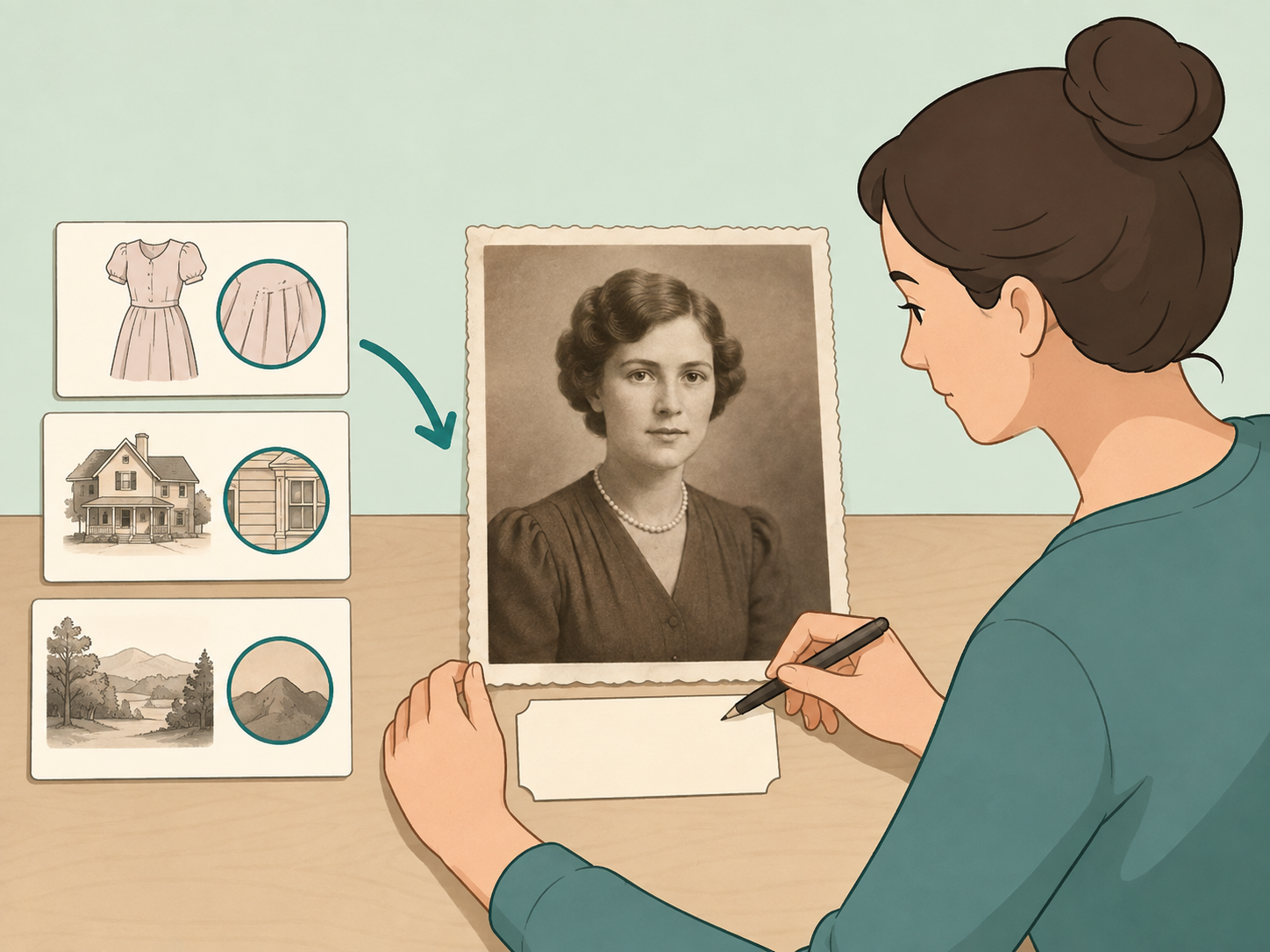
Label the result honestly
If the evidence supports one person, state the identity and mention the strongest reason, such as an archive caption, original publication, or matching dated source. If the evidence is mixed, label the result as likely, possible, or unconfirmed. Fact-checking tools can help because Google Fact Check Explorer can search by image or keywords for claims that have already been checked.
Summary
The bottom line: identify a throwback celebrity photo by combining visible clues, captions, reverse image search, and reliable source checks. If the evidence does not match clearly, leave the identity unconfirmed rather than spreading a guess.
Frequently Asked Questions
- What is the fastest way to identify a celebrity in an old photo?
- The fastest reliable method is to run a reverse image search, then compare the results with captions, dates, and trusted sources. A quick visual guess is often wrong when the person is much younger than their familiar public image.
- Can facial recognition identify a Hollywood actor from a childhood photo?
- Some tools may suggest similar faces, but they should not be treated as proof. Use them only as a lead, then verify with captions, official biographies, archives, or reputable entertainment sources.
- What clues matter most in a throwback photo?
- Look for captions, file names, dates, school or studio settings, clothing style, hairstyle, other people in the image, and any publication history. Stable features like face shape, ears, eyes, and smile lines can help, but context is usually stronger than looks alone.
- What if several actors look similar in the photo?
- Keep each possible name separate and test it against the same evidence. If the dates, location, or source history do not fit one person, remove that name from your shortlist.
- Should I share the photo if I am not sure who it is?
- It is better to share it as unconfirmed or not share it at all. Mislabeling a photo can spread quickly, especially when a nostalgic or surprising celebrity claim makes people want to repost it.
- How do I know whether I can reuse an old celebrity photo?
- Check the image source, creator, publication date, and rights information before reusing it. If the rights are unclear, link to the original source instead of uploading or republishing the image.
References
Reliable references aided in composing and refining this content.
- https://www.archives.gov/education/lessons/worksheets/analyze-a-photograph-novice
- https://www.archives.gov/records-mgmt/initiatives/digital-photo-records.html
- https://newsinitiative.withgoogle.com/resources/trainings/verification/verification-advanced-reverse-image-search
- https://newsinitiative.withgoogle.com/resources/trainings/fact-check-explorer
- https://www.loc.gov/pictures/help
- https://www.getty.edu/publications/intrometadata/rights-metadata
- https://consumer.ftc.gov/consumer-alerts/2025/04/online-search-results-good-bad-scammy