
 Pin it
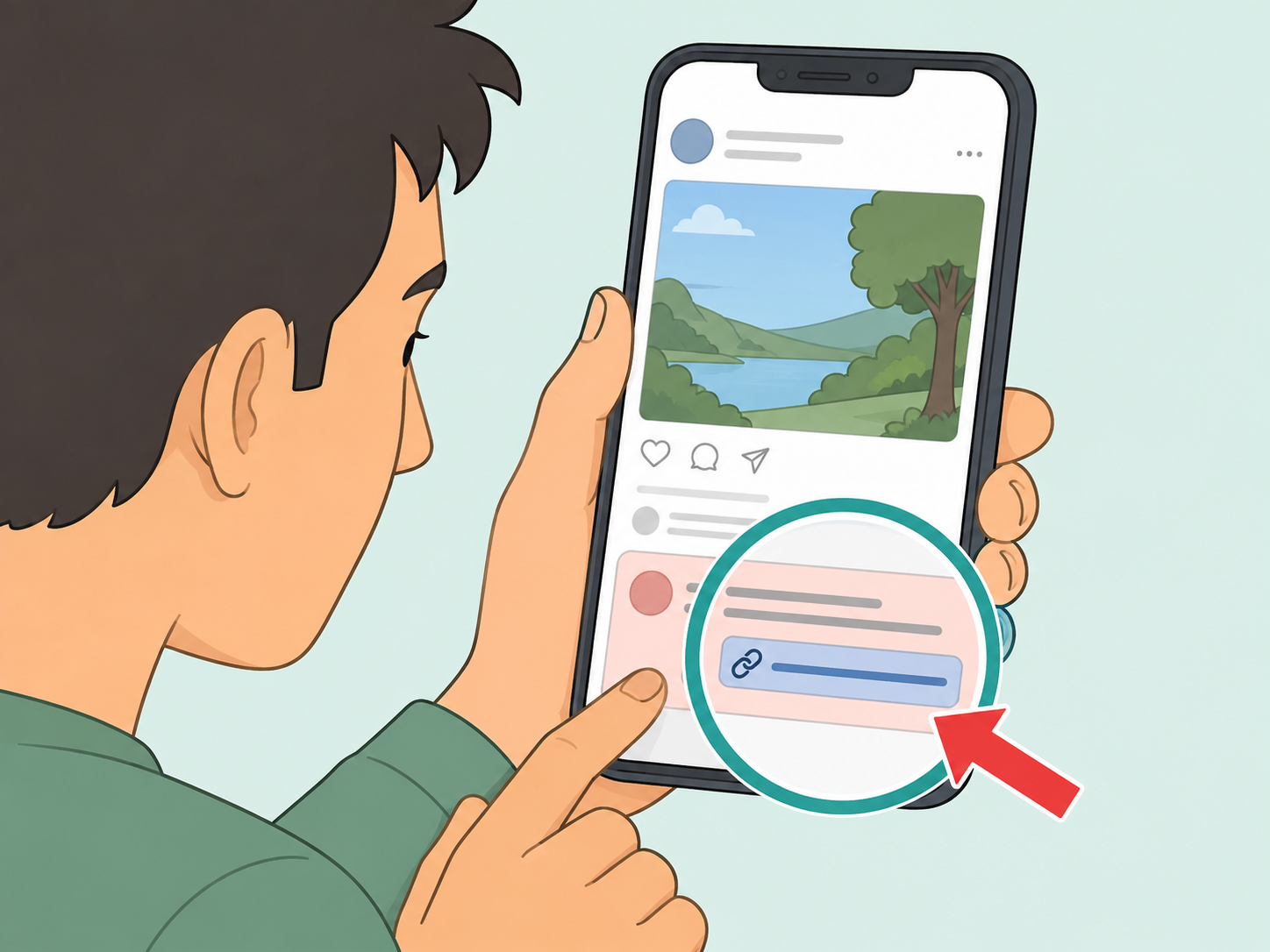
A post that says "check the first comment for the full story" is not automatically dangerous, but it is a common prompt to slow down before you click. The link or comment may be harmless, promotional, misleading, or part of an engagement tactic. This guide shows you how to check the post safely and decide whether it is worth your attention.
Pause before opening the first comment
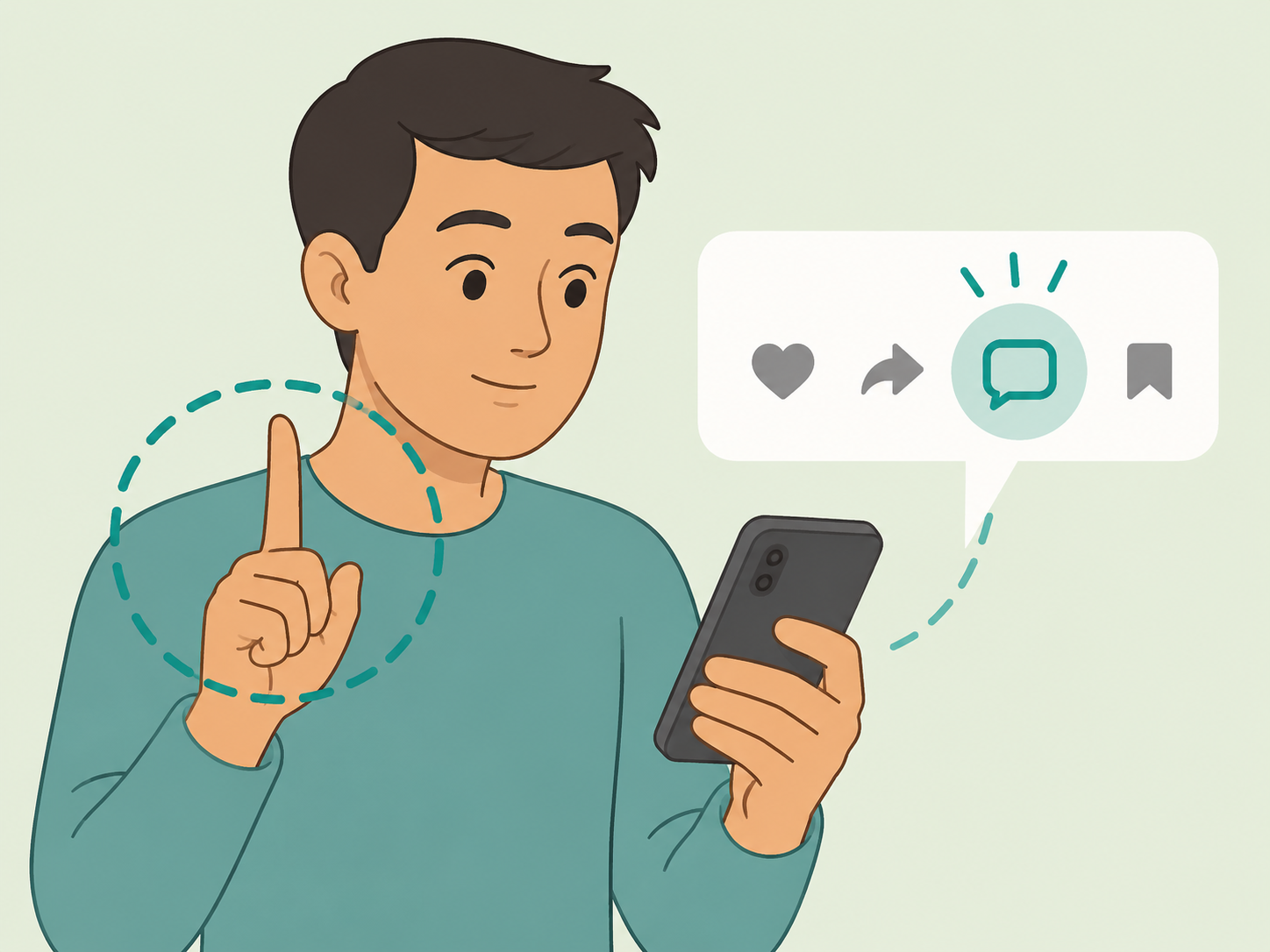
Do not treat the phrase as proof that the story is important or urgent. Meta has described engagement bait as posts that push people to like, share, or comment in order to gain reach, and comment-based prompts can work the same way. Take a moment to decide whether the post is giving useful context or simply nudging you to interact.
Check who posted it
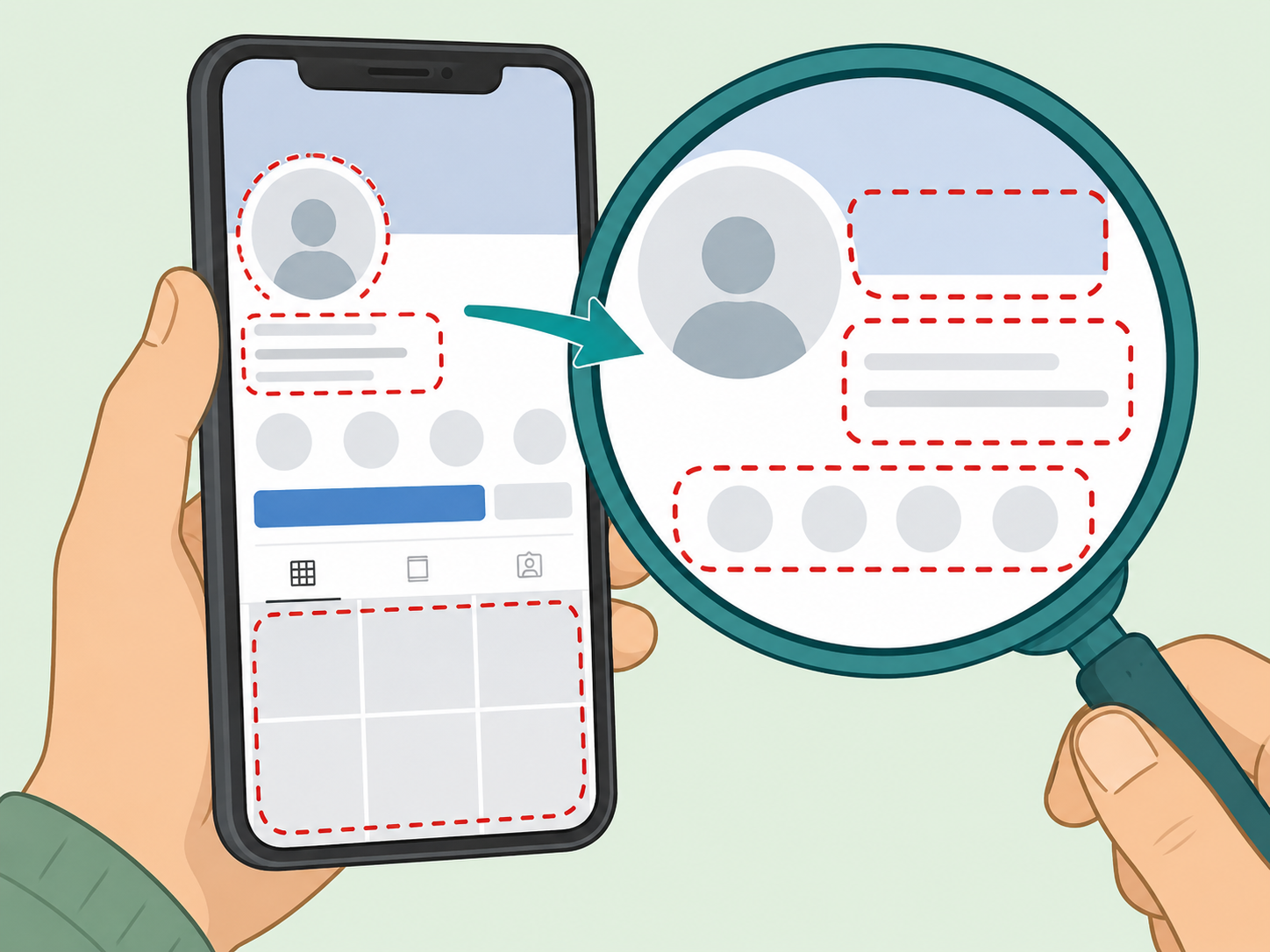
Open the profile or page and look for signs that it belongs to a real person, organization, or publication. Be careful with pages that have very little history, copied photos, sudden topic changes, or a name that looks almost like a known brand. The FTC notes that social media scammers can use fake profiles, hacked accounts, and targeted ads to reach people, so the name alone is not enough to trust the post.
Read the comment without reacting first
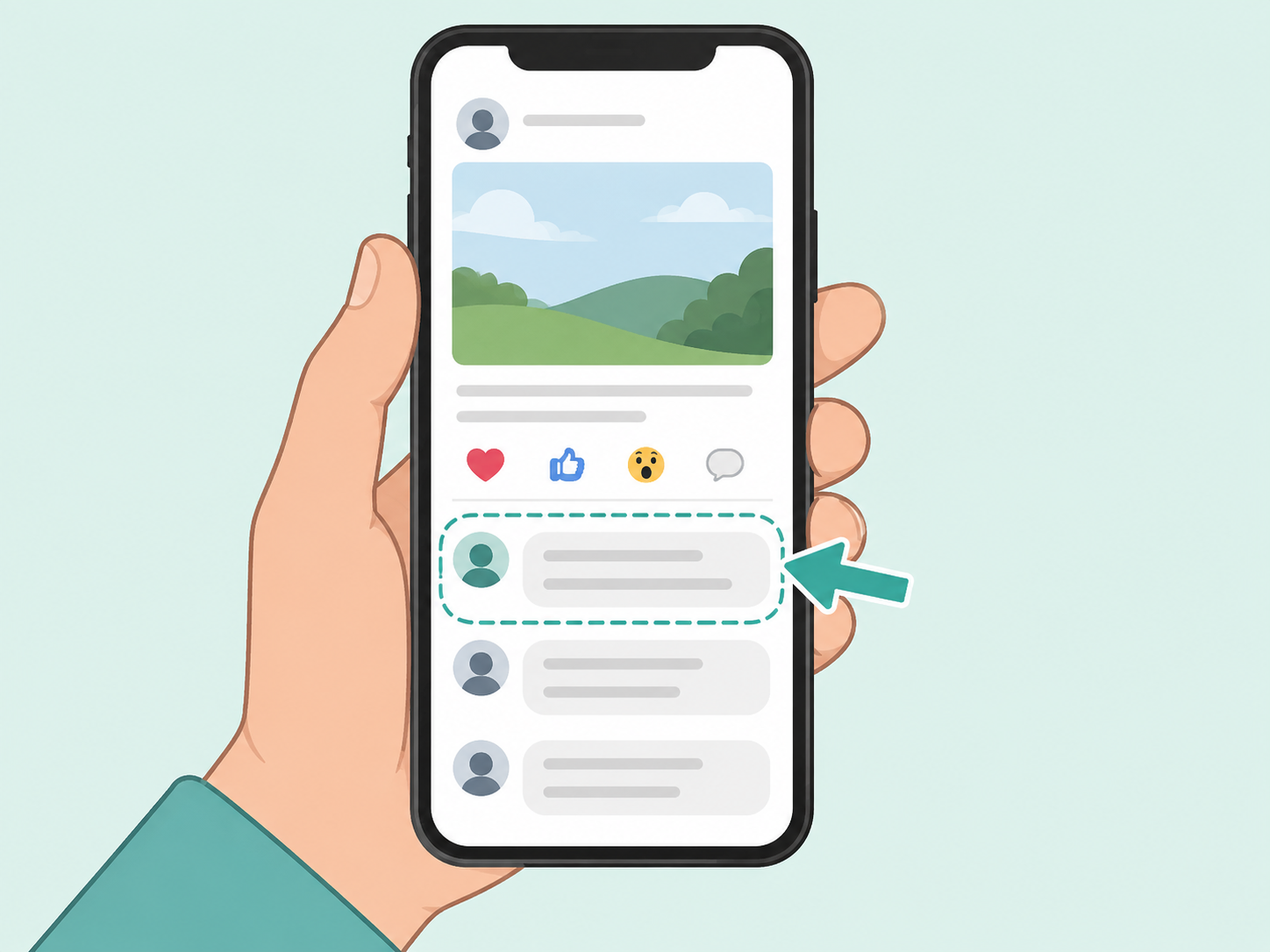
If you decide to look, read the first comment before liking, replying, sharing, or tagging someone. A legitimate comment should make the destination clear, such as a known news article, official announcement, or full post. A vague line like "you will not believe this" plus a link is a reason to slow down.
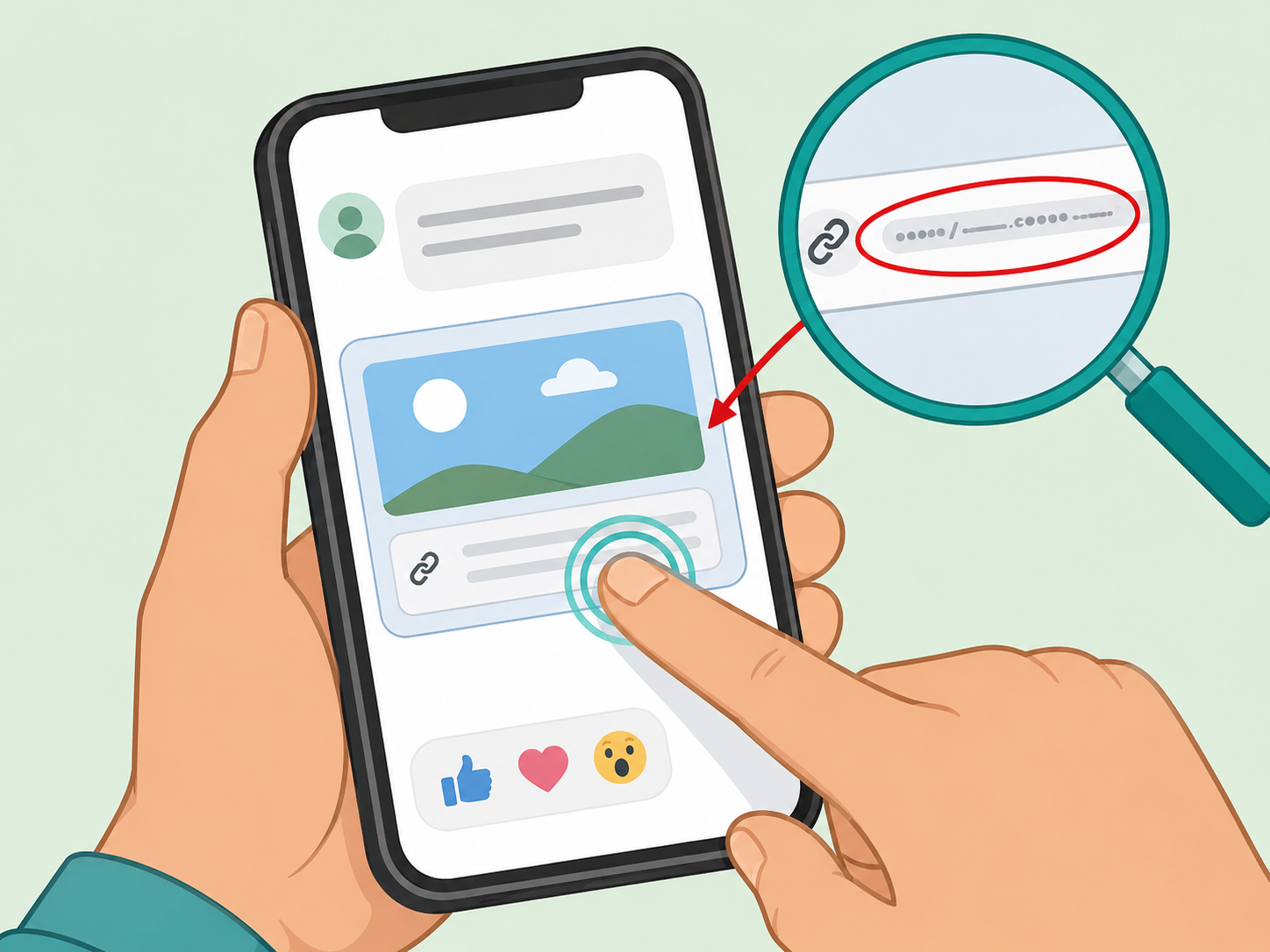
Inspect the link before tapping through
Hover over the link on a computer or press and hold on mobile to preview the web address when your device allows it. Watch for misspelled domains, unfamiliar endings, excessive tracking, and link shorteners that hide the destination. The FTC warns that phishing messages often use stories to make people click links or open attachments, and those links can lead to stolen information or harmful software.
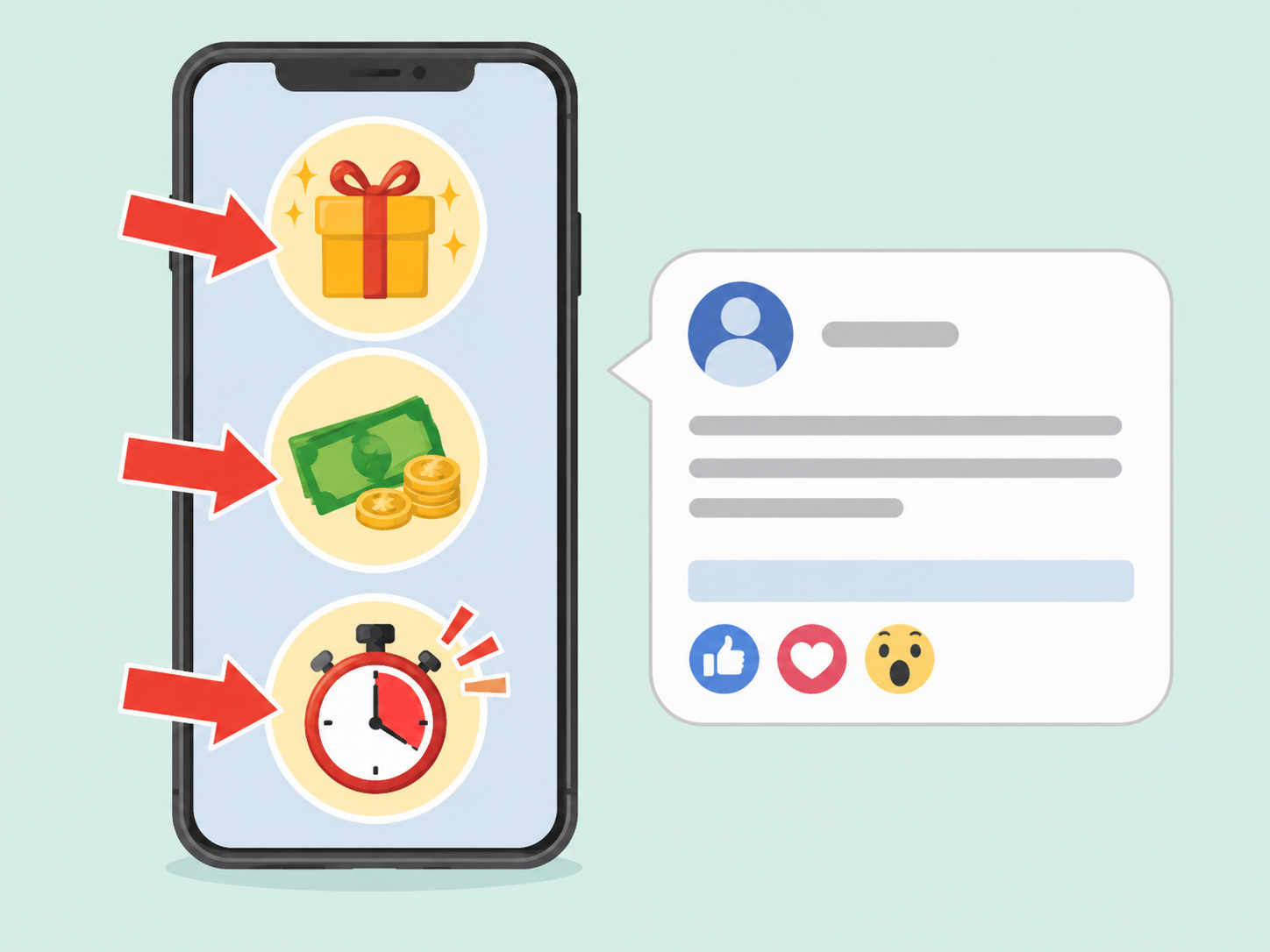
Watch for pressure, prizes, or payment requests
Skip posts that say you must act immediately, pay a fee, claim a prize, move money, buy gift cards, send cryptocurrency, or share personal information. These match common scam warning signs from the FTC: pressure, a problem or prize, and demands for a specific payment method. A real story should still be checkable after you take a minute to think.
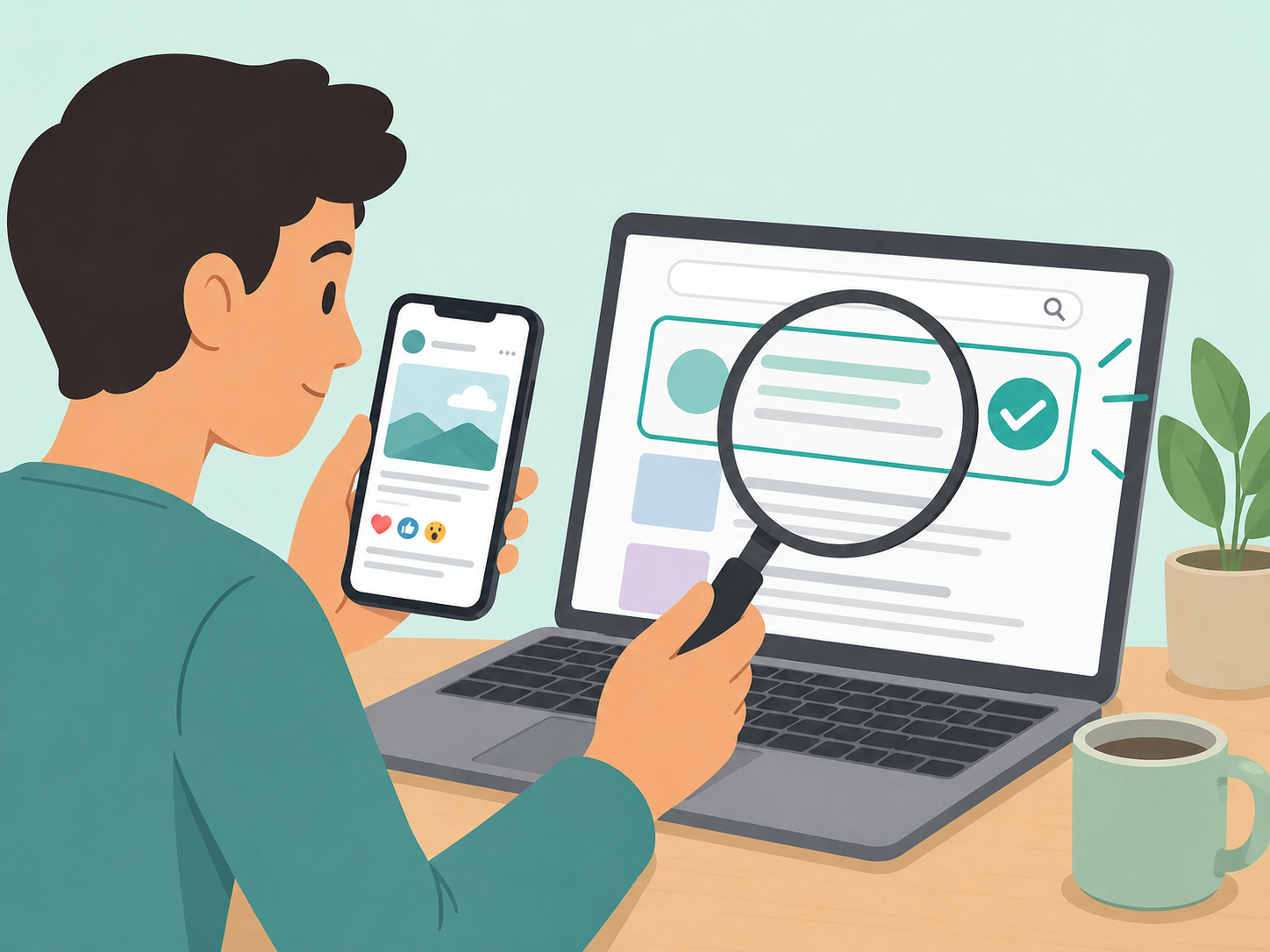
Verify the story in a second place
Search a key phrase from the post, the headline, or the organization name in a separate browser tab. For news, health, safety, money, or emergency claims, look for the original source or a reputable institution rather than relying on a repost. The FTC says people should check out companies before buying from social media posts or ads, especially because shopping, investment, and romance scams can start on social media.
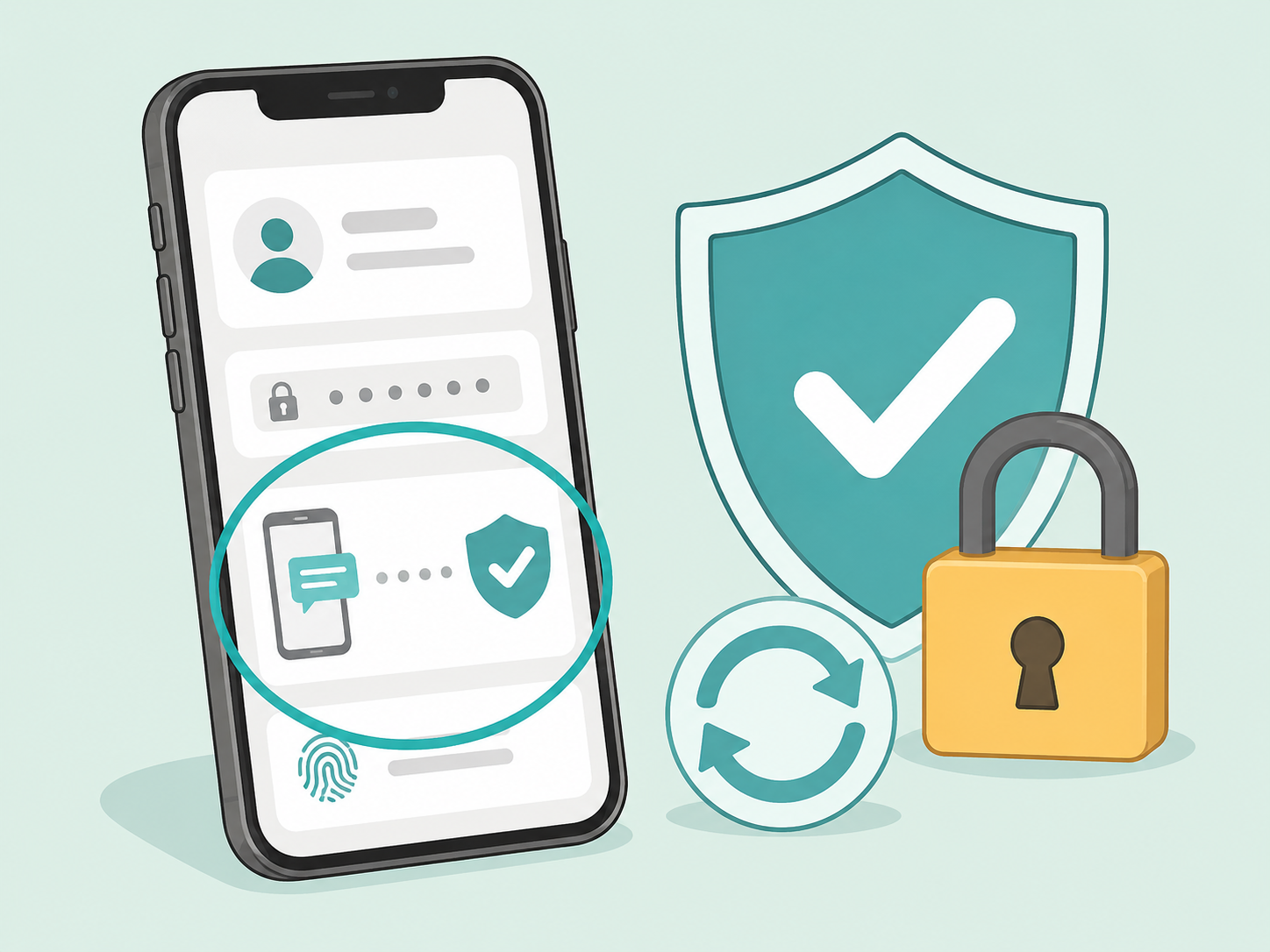
Protect your account before you engage
Use strong passwords, turn on two-factor authentication where available, and keep your phone, browser, and apps updated. The FTC recommends these steps because personal information and online accounts are valuable targets for scammers and hackers. Also review your privacy settings so strangers and suspicious accounts have less information to use against you.
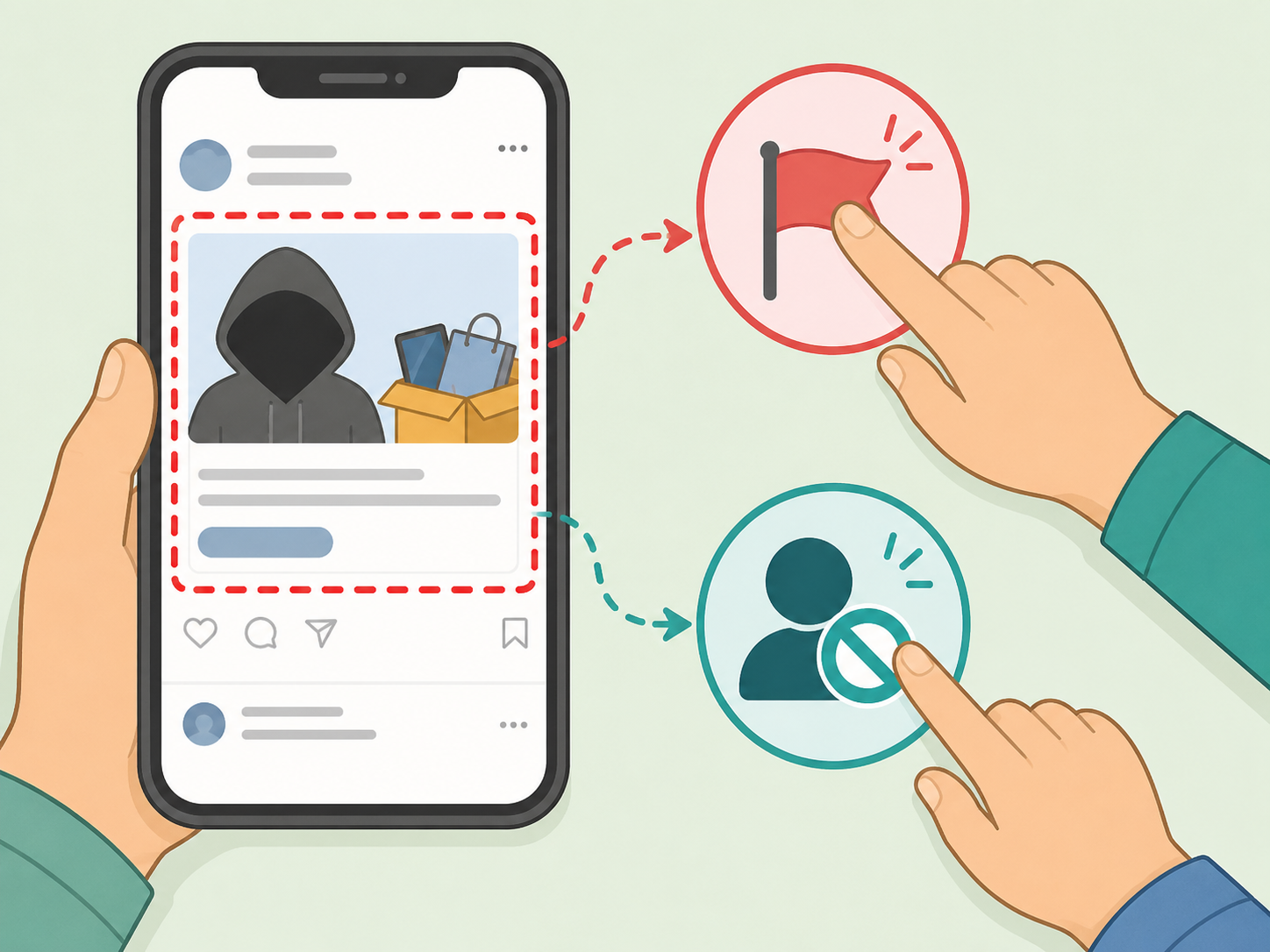
Report or hide posts that look suspicious
If the post looks misleading, scammy, or impersonated, use the platform's report tool and avoid adding comments that boost its reach. If you lost money or shared sensitive information, report it through the proper official channel; the FTC directs people to ReportFraud.ftc.gov and phishing reporting options for suspicious messages. Then hide, unfollow, or block the account if needed.
Summary
The bottom line: pause before you click, check who posted it, inspect the first-comment link, and verify the story somewhere reliable. If a post pushes urgency, money, prizes, or personal information, skip it and report it.
Frequently Asked Questions
- Is every 'check the first comment' post a scam?
- No. Some creators use the first comment because a platform limits links in captions or because they want to keep the caption clean. Still, the phrase asks you to take an extra action, so it is worth checking the source and link before you click.
- Why do pages put the link in the first comment?
- Some pages do it for formatting, tracking, or engagement. Others use it to push people into the comments, where they may be more likely to react, reply, or click.
- What is engagement bait?
- Engagement bait is content that pushes people to like, share, comment, or otherwise interact mainly to boost reach. A post can be engagement bait even if it is not a financial scam.
- How can I tell if a first-comment link is unsafe?
- Be cautious with shortened links, misspelled brand names, unfamiliar domains, urgent wording, prize claims, requests to log in, or requests for payment or personal information. When in doubt, search for the organization or story yourself instead of using the link.
- What should I do if I already clicked the link?
- Close the page if it asks for personal information, payment, or a login you were not expecting. If you entered sensitive information, change the affected password, turn on two-factor authentication where available, and follow the recovery steps from the service involved.
- Should I comment to warn other people?
- Only comment if doing so will genuinely help and will not spread the post further in your own network. Reporting, hiding, or sharing a separate warning with friends may be cleaner than adding engagement to the original post.
References
Reliable references aided in composing and refining this content.
- https://about.fb.com/news/2017/12/news-feed-fyi-fighting-engagement-bait-on-facebook/amp
- https://consumer.ftc.gov/consumer-alerts/2026/04/how-spot-top-scams-started-social-media
- https://consumer.ftc.gov/articles/how-recognize-avoid-phishing-scams
- https://consumer.ftc.gov/articles/how-avoid-scam
- https://consumer.ftc.gov/consumer-alerts/2024/08/five-ways-keep-scammers-hackers-away